Before you go, let us know your thoughts!
Thank you for using SwitchboardFREE. We'd like to invite you to leave us a review with an independent 3rd party, Reviews.co.uk.
We use cookies to run our website, analyse its use and personalise ads.
Thank you for using SwitchboardFREE. We'd like to invite you to leave us a review with an independent 3rd party, Reviews.co.uk.
Click one of the below images to download the app.


In your browser log into your SwitchboardFREE account (if you haven't already) and go to your Outbound users page https://www.switchboardfree.co.uk/customer/outbound-management
Click the highlighted "eye icon" on the user you would like the details for.

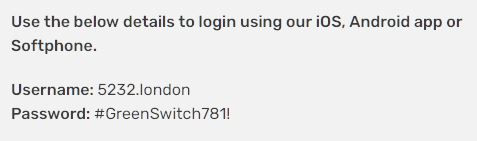
After that, you will see your login details which you will need to enter in the apps login screen.
A blind transfer is when you transfer the caller to another users extension without speaking to them first.
How to perform a blind transfer on your:
deskphone, softphone and SwitchboardFREE app
If a call is not answered by the final recipient in 10 seconds then call will return to the original recipient.
An assisted transfer is when you transfer the caller to another users extension, but before the call is put through, you will be able to speak to the other user before transfering the caller to them. This is useful to make a polite introduction.
How to perform a assisted transfer on your:
Softphone, Desk phone & SwitchboardFREE Phone App
If a call is not answered by the final recipient in 10 seconds then call will return to the original recipient.
With FREE delivery
With FREE delivery