Before you go, let us know your thoughts!
Thank you for using SwitchboardFREE. We'd like to invite you to leave us a review with an independent 3rd party, Reviews.co.uk.
We use cookies to run our website, analyse its use and personalise ads.
Thank you for using SwitchboardFREE. We'd like to invite you to leave us a review with an independent 3rd party, Reviews.co.uk.

More integrations
Select apps you use to see guided workflows
In partnership with

Zapier automates 2,000+ apps in millions of ways. Let's find a way to save you time.
One of the biggest Customer Relationship Management (CRM) systems in the world, Salesforce enables you to handle your customer information, sales, statistics, business strategies and reporting all in one place. Now, via Zapier, your calls can be logged directly into your Salesforce account, streamlining your systems even further.
1Sign in/sign up to Zapier and head to https://zapier.com/app/dashboard
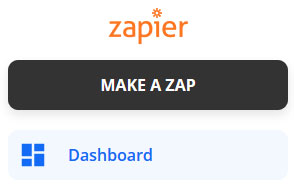
2At the side, click ‘Make a Zap’.
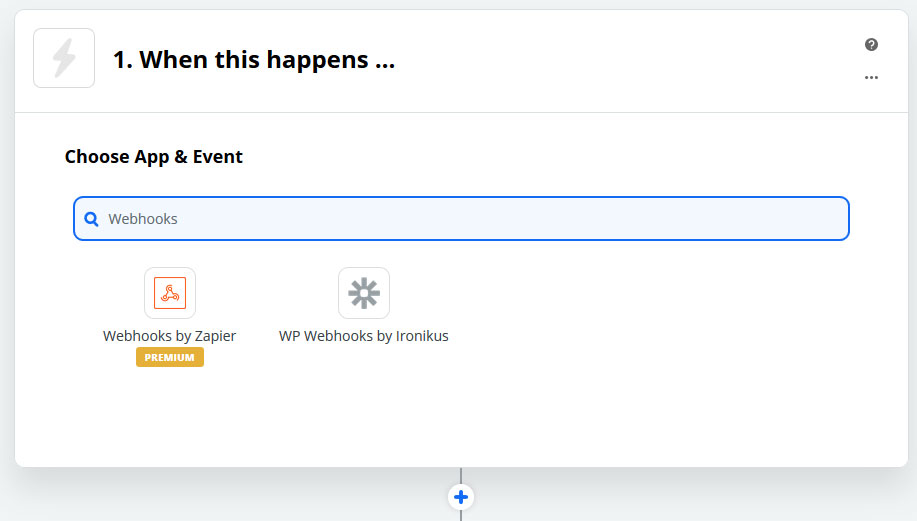
3In the search box, search for ‘Webhooks’ and select ‘Webhooks by Zapier’.
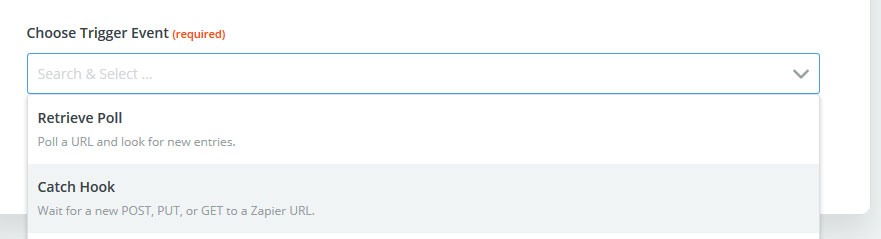
4Under the ‘Choose Trigger Event’, select ‘Catch Hook’ and click ‘Continue’.
5Copy your Custom Webhook URL and keep it safe (you will need it in the next step). Click ‘Continue’.
6Head to SwitchboardFREE in a new tab and Login to your account
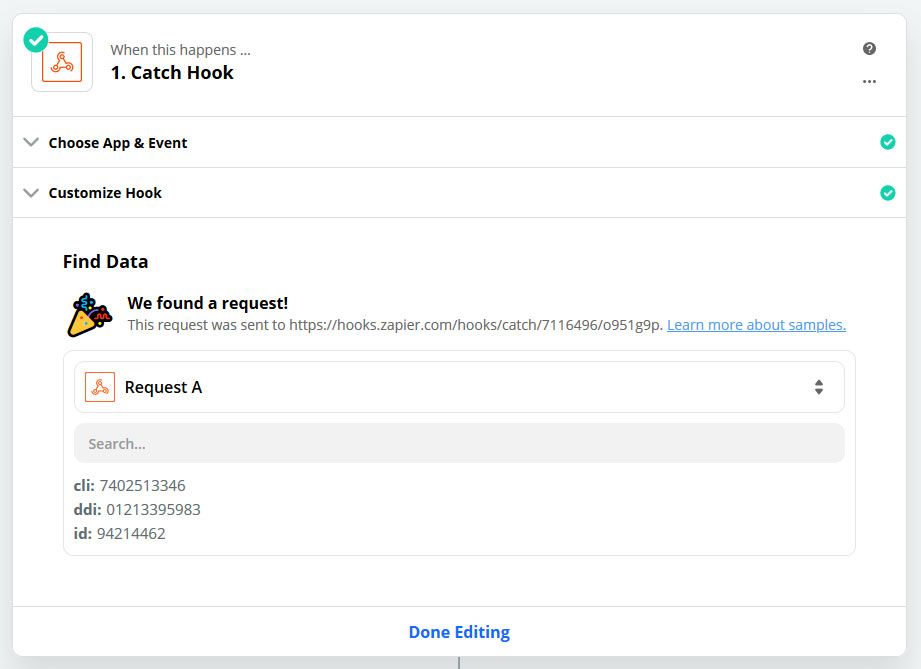
9Make a call to your SwitchboardFREE number and head back to Zapier.
10Click ‘Test & Review’ and wait until it says “We found a request!”. Click ‘Done Editing’.
11In the search box, search for ‘Salesforce’ and select ‘Salesforce’ when the name is displayed.
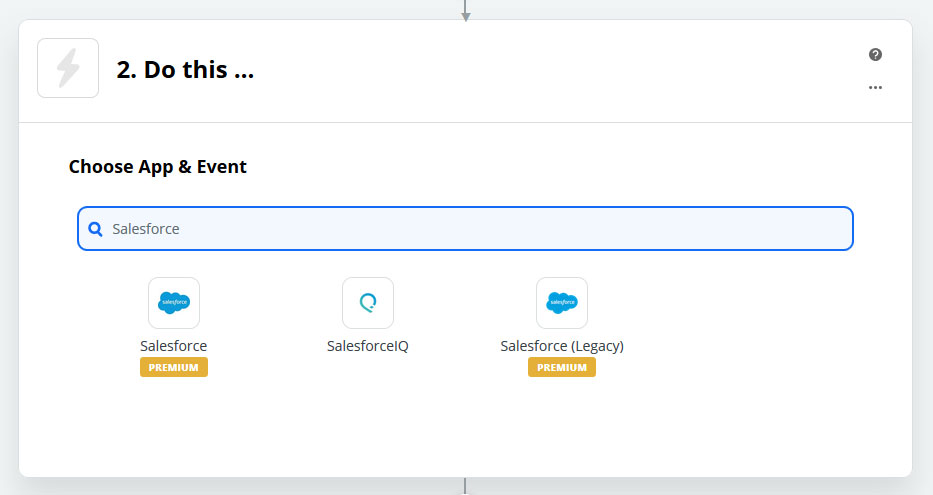
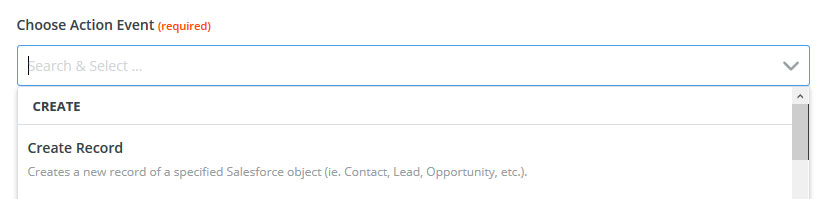
12Under ‘Choose Action Event’, select ‘Create Record’, and click ‘Continue’.
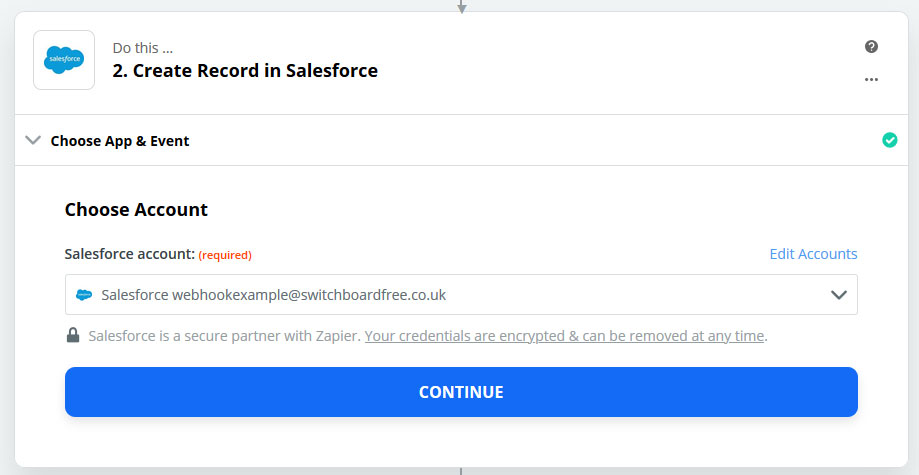
13Click ‘Sign in to Salesforce’, select ‘production’ and log in with your account and click ‘Continue’.
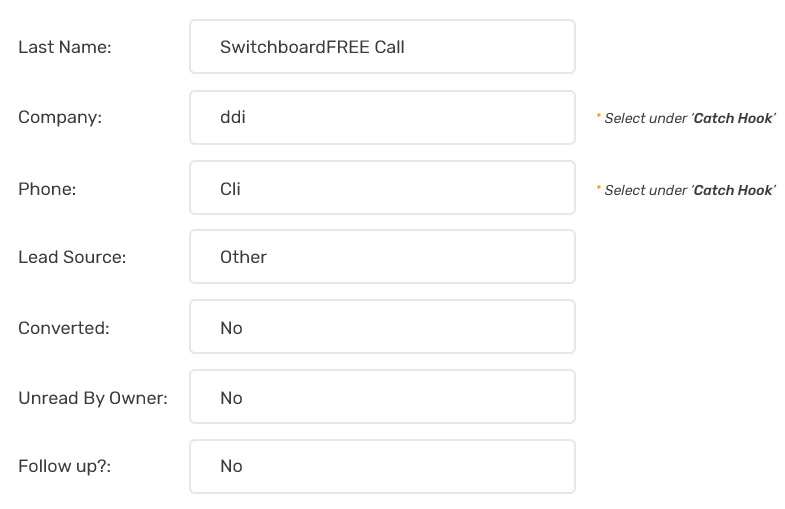
14Under ‘Salesforce Object’, select ‘Lead’. Fill in the fields below, and click ‘Continue’.
15Click ‘Test & Review’ and check that the record has been added to the leads section of Salesforce.
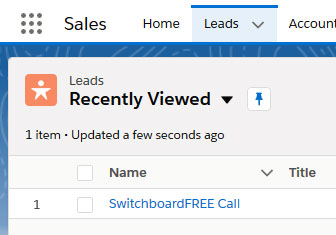
16Click ‘Done Editing’ and turn the ‘Zap’ on in the top right corner. You’re now all ready and set to go!